
A free photo library manager
Get it from Microsoft Store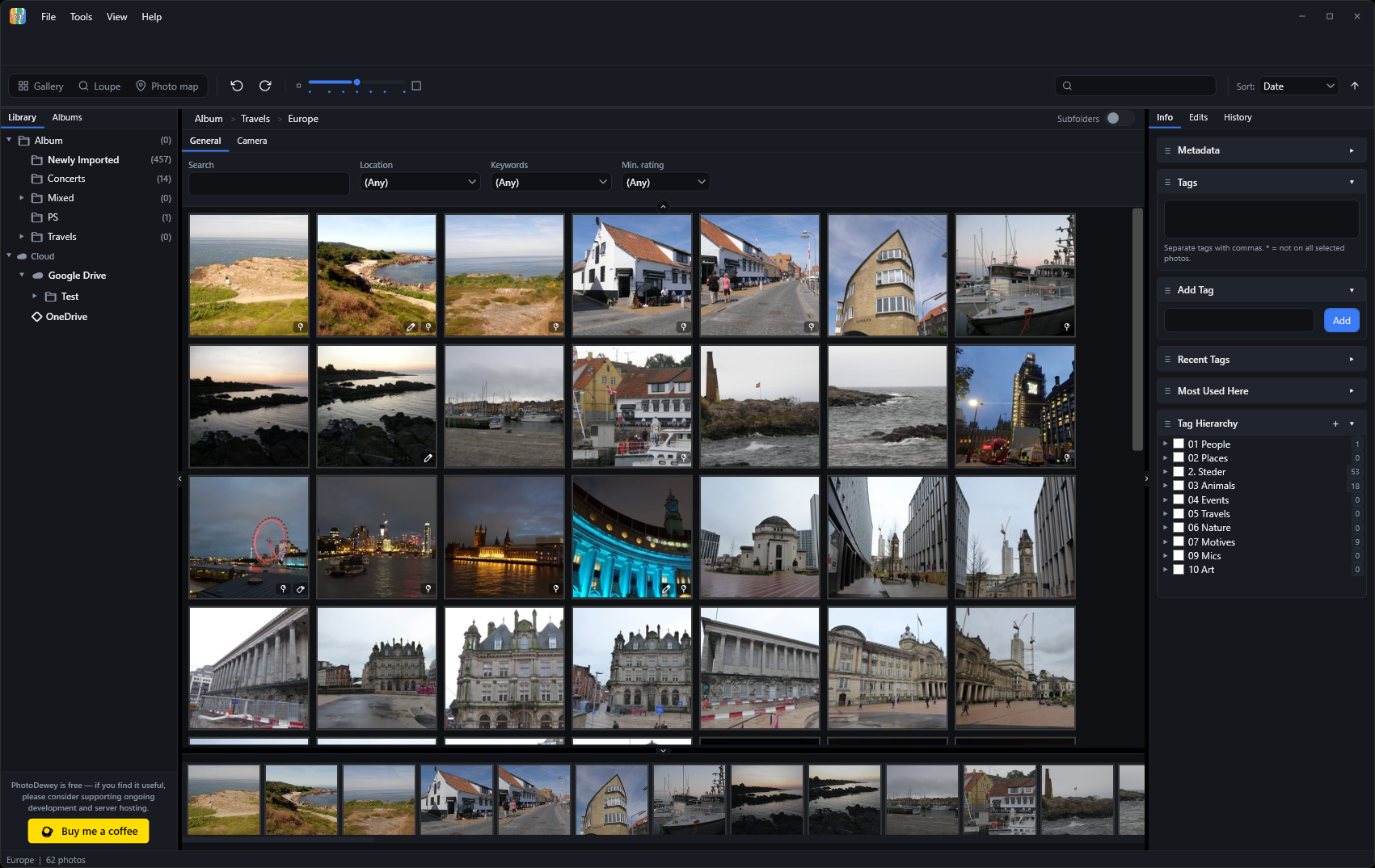
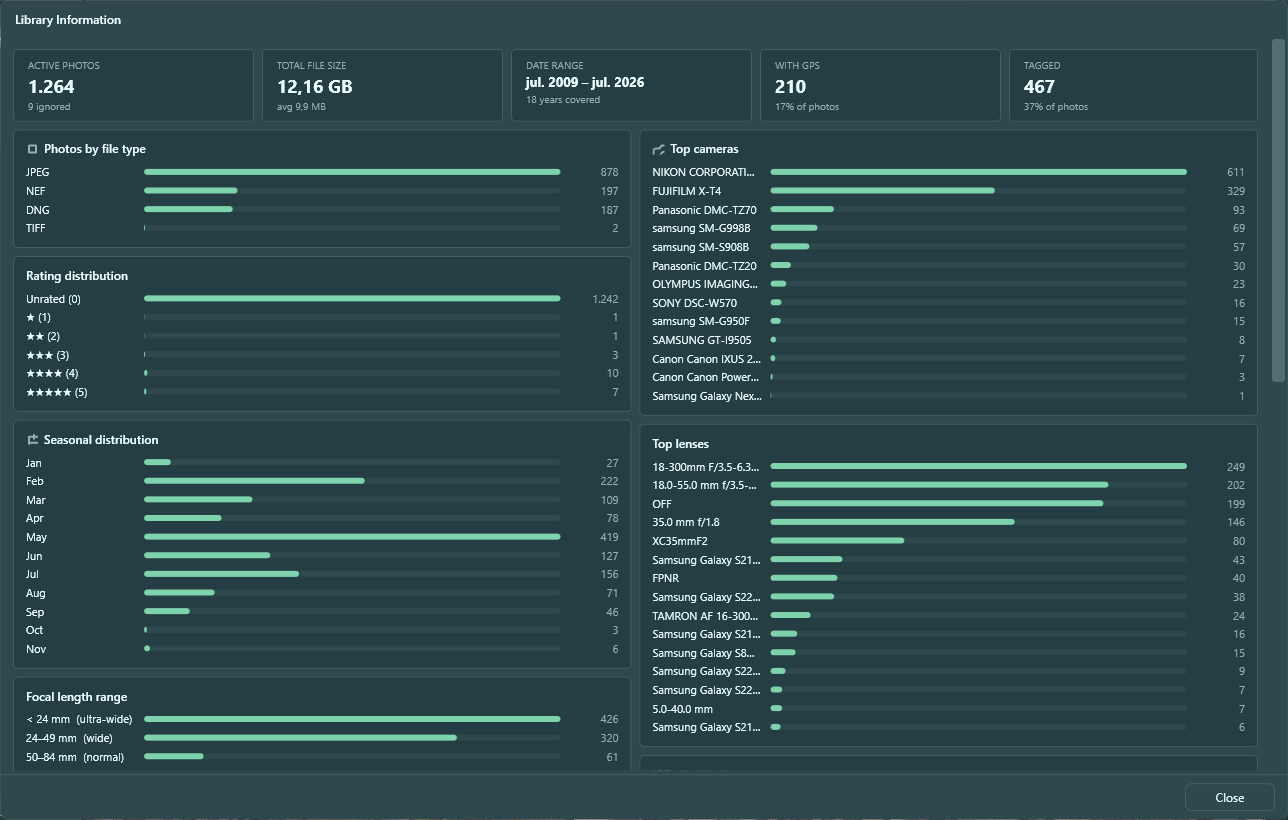
PhotoDewey is a local-first photo library manager for Windows: import from folders, cameras, and phones, keep everything in a fast local catalog, and stay in control of where your originals live. No account, no subscription, and no cloud lock-in.
Tag, rate, and organise with hierarchical keywords and albums, edit non-destructively with full revert history, and find any photo again in seconds with the built-in photo map and smart albums.
Everything included
What's inside
Local-first library
Your photos, your way
Import from any folder and keep everything in a fast local catalog: originals stay exactly where you put them. No cloud account required, no subscription, no lock-in.
Prefer cloud storage? With our Cloud extension you can connect your own Google Drive, OneDrive, Dropbox, or S3-compatible provider. Your cloud appears right in the folder panel, on your own terms.
Import
Every source, one place
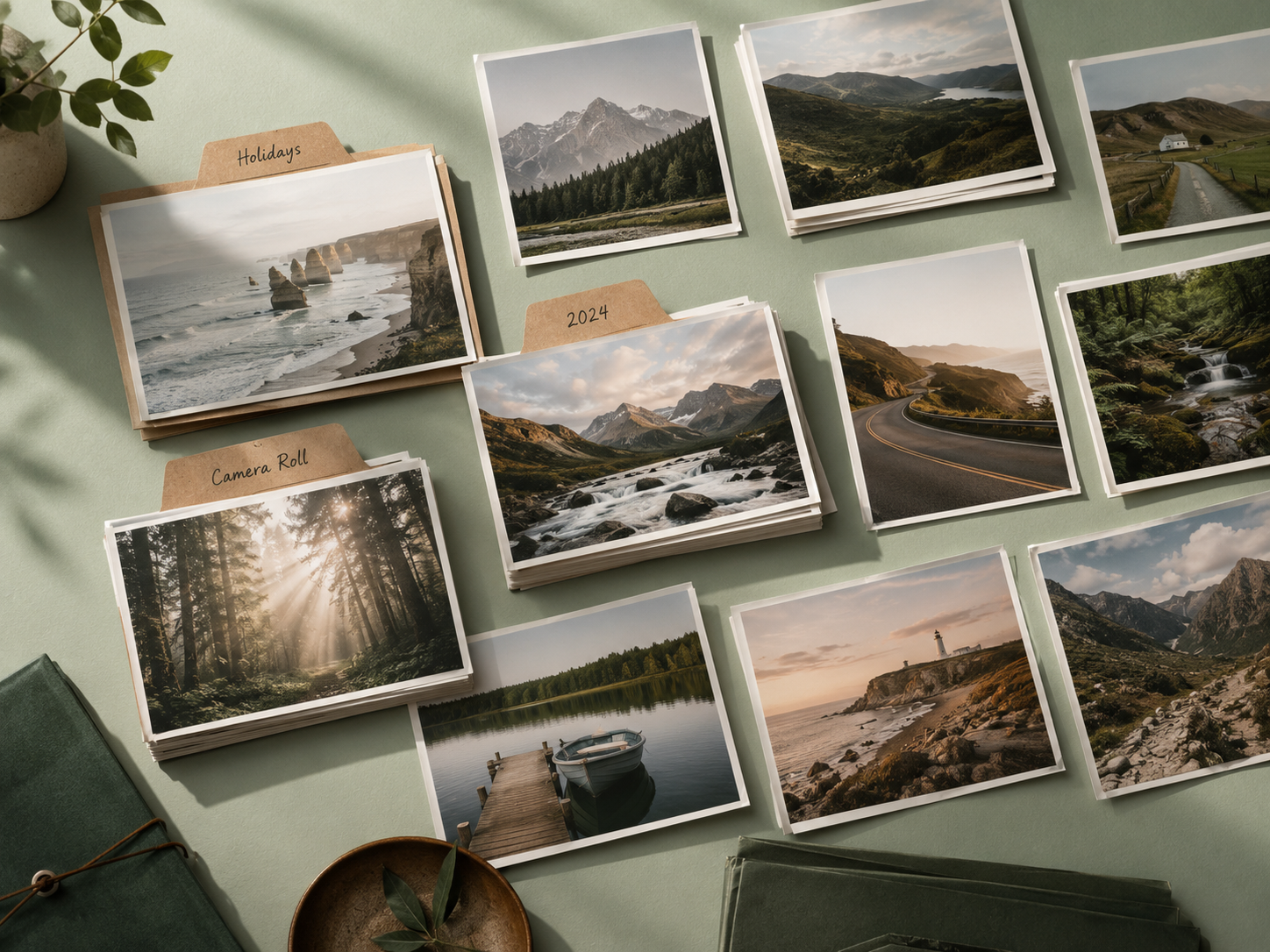
Import from any local folder: PhotoDewey scans, renames according to your template, and indexes your photos automatically. All import sources live in one tabbed dialog: folder import, USB camera, phone, and offline device, side by side.
Import progress runs in the background as a dismissible notification: close it and the import keeps going.
Keyword organization
Tags that actually organize
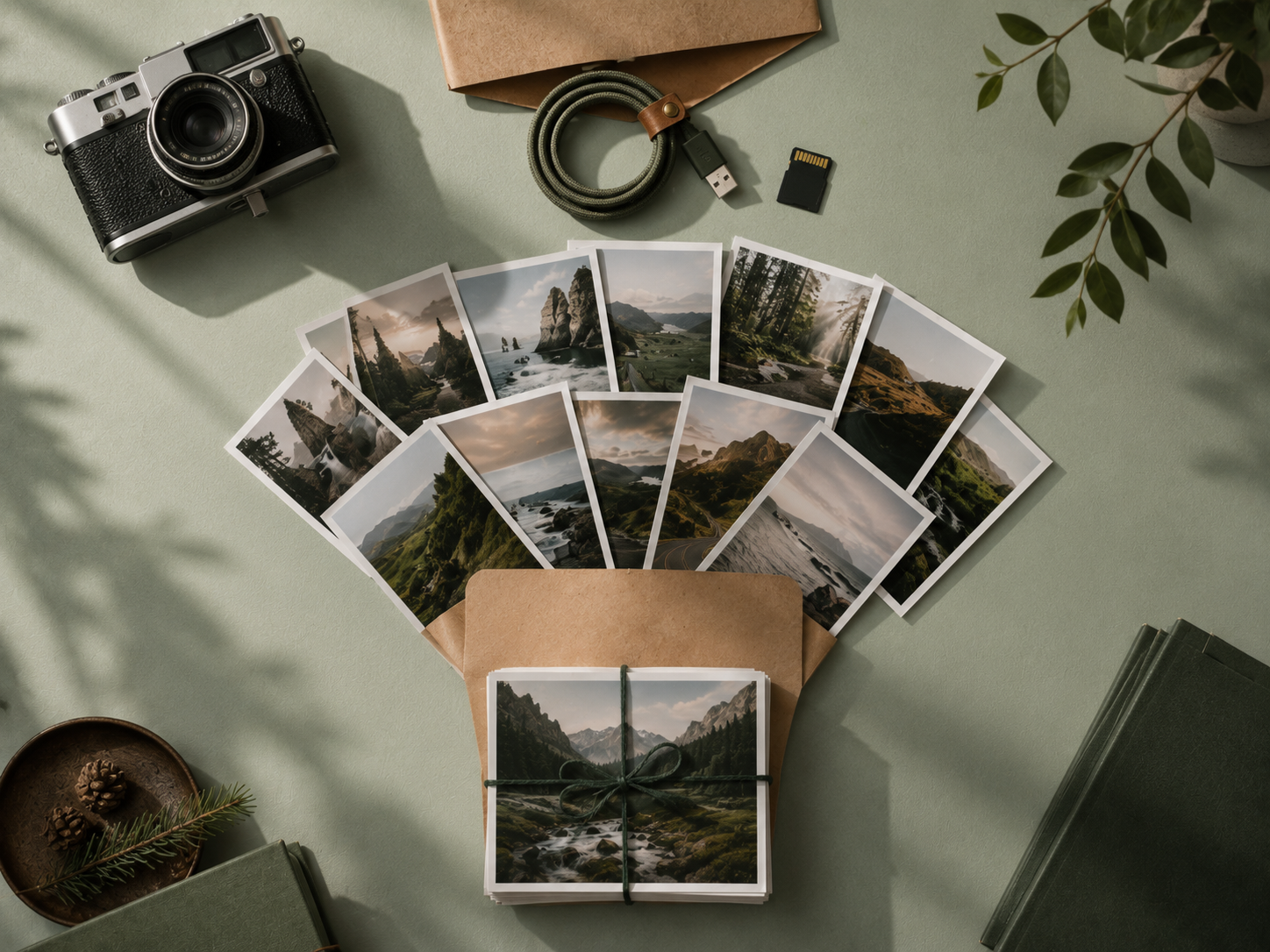
Build a keyword hierarchy as deep as you need: people / family / kids, places / europe / italy. Assign any tag and all its parents are added automatically, keeping your library consistent without extra effort.
Filter your entire library by any tag in one click. Search by tag name, filename, camera, date, or any combination.
Not sure which tags to use? Our AI extension analyses each photo and proposes relevant keywords, you review and accept what fits.

Non-destructive editing
Edit without commitment
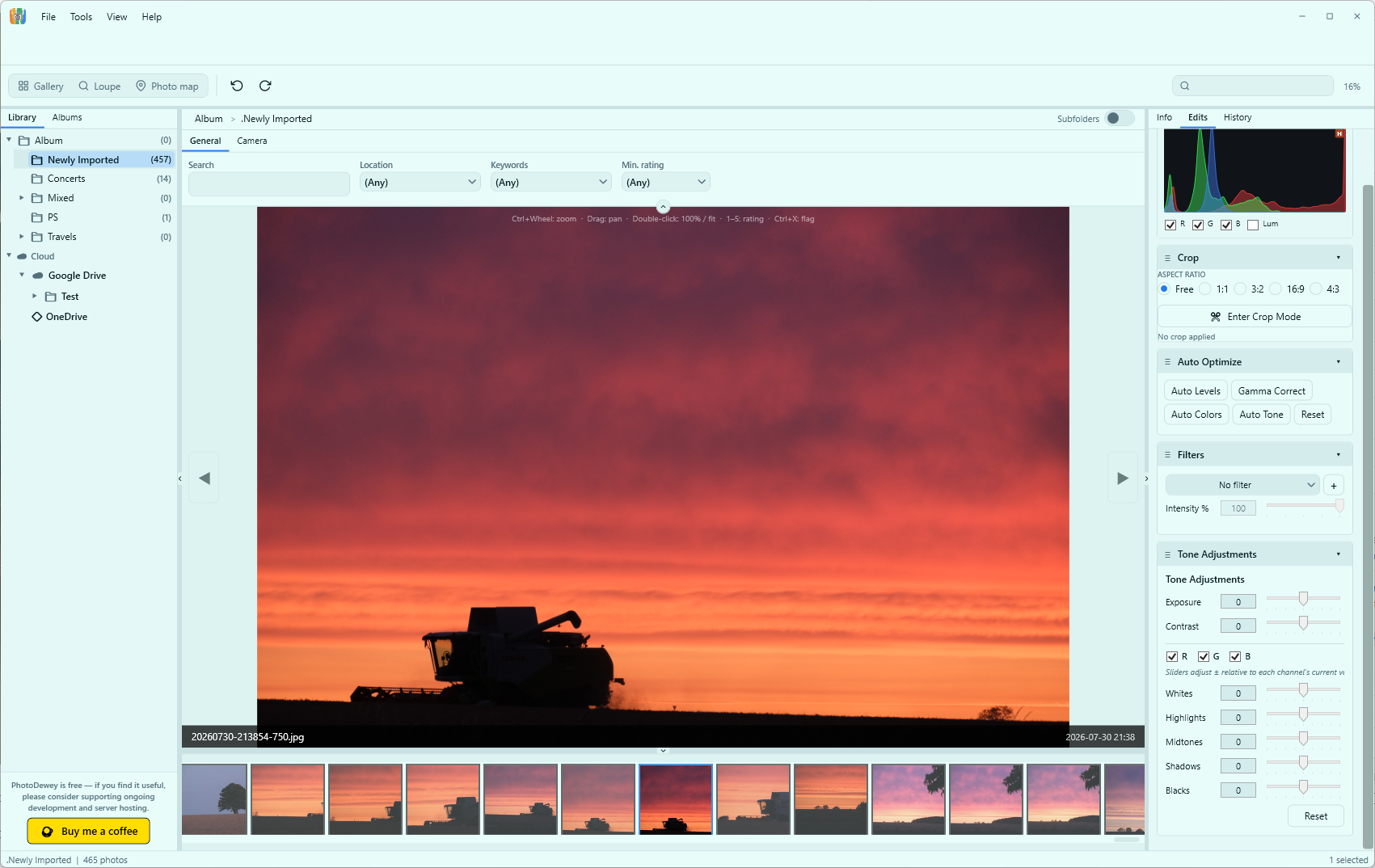
Crop and straighten, adjust tone and exposure, apply film filters, rotate and flip, all without touching the original file. Every edit is stored separately; revert any photo to its original state at any time.
With our Offline Files extension, even photos on USB sticks or SD cards that aren't currently plugged in remain fully editable: metadata, tags, and adjustments are written back to the file the next time the drive is connected.
Virtual copies
One photo, many versions
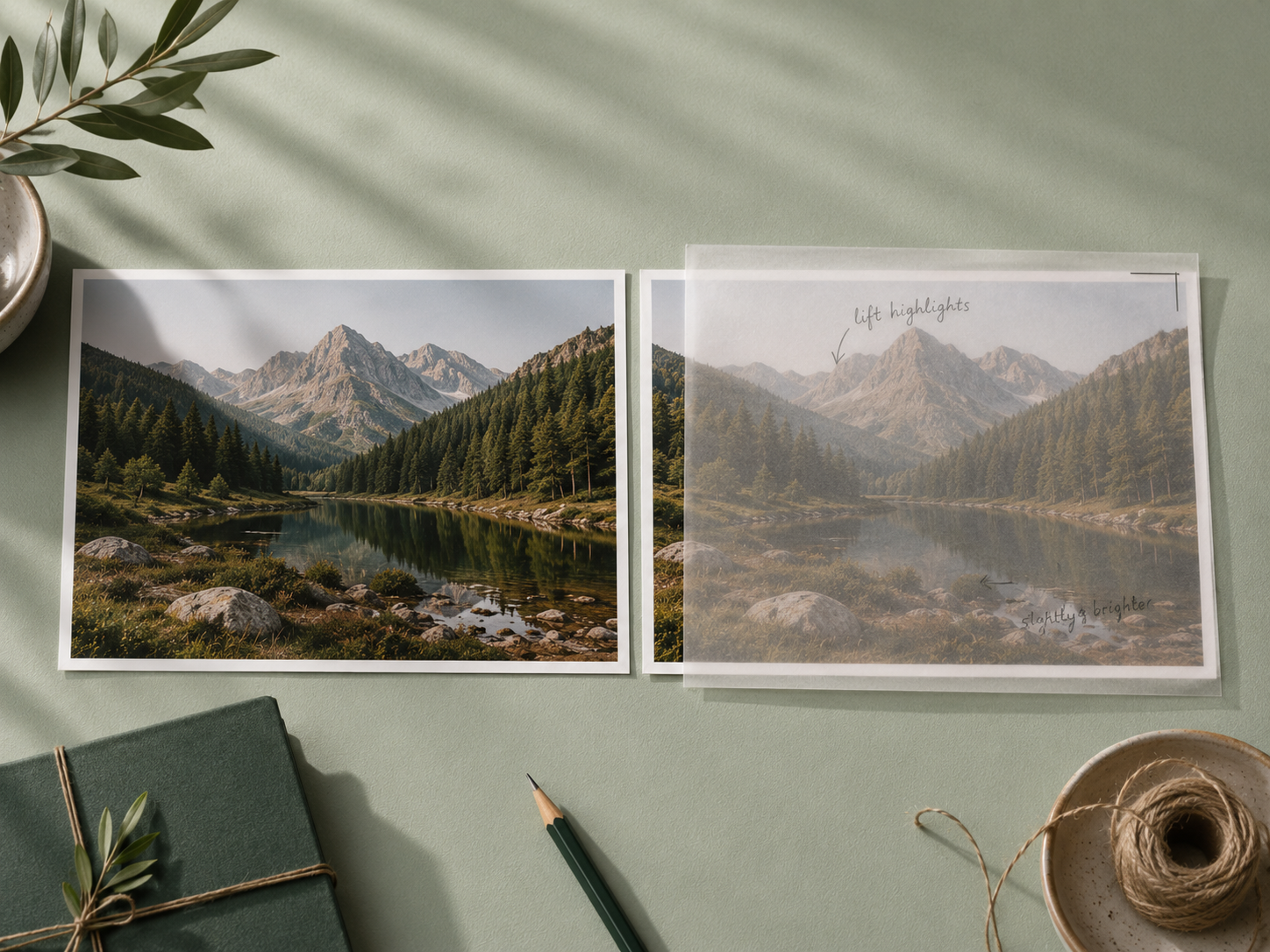
Create as many virtual copies as you like: a black-and-white edit beside the colour version, two different crops, a tightly cropped portrait and the wide shot. Each copy has its own independent edits while all versions share a single file on disk.
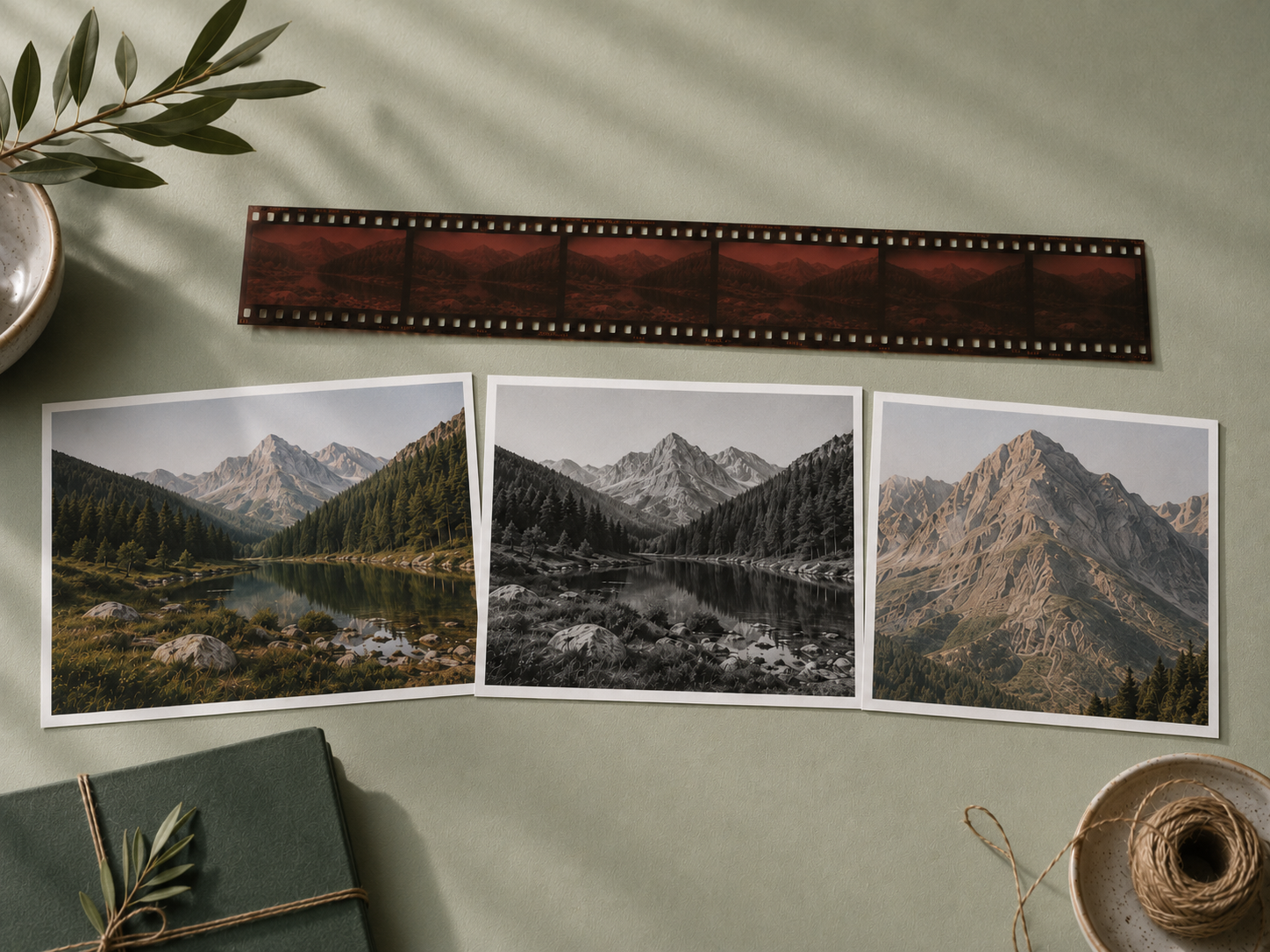
Photo map
See where you shot
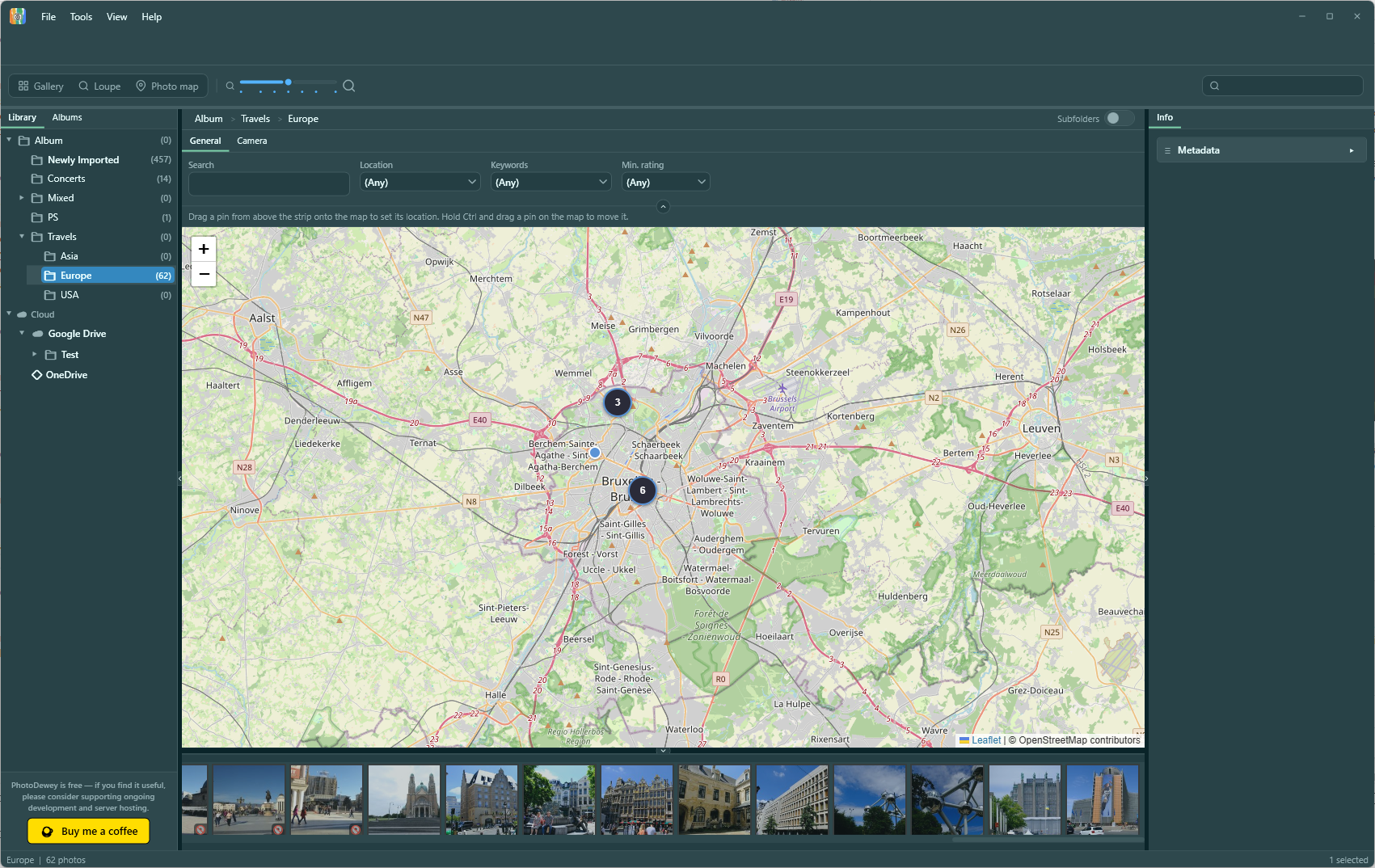
Photos with location data appear on an interactive map. Drag a pin to correct a location, or right-click anywhere on the map to assign coordinates to a batch of unlocated shots, no external tools needed.
Unlocated photos are grouped and shown in a holding area so you can place them when you're ready.
Albums
Collections that work your way
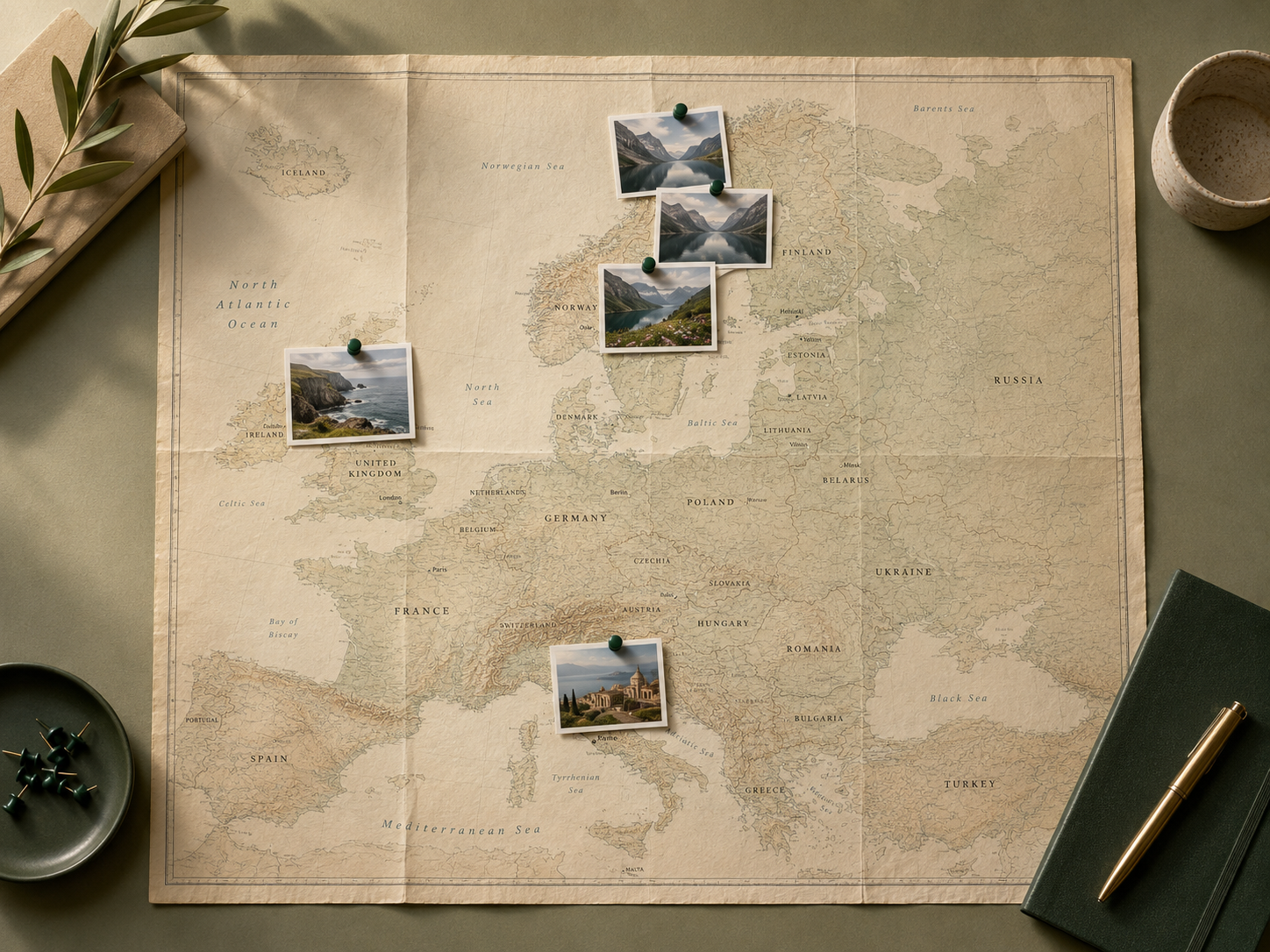
Create named albums that cut across folder structure: a summer trip, a client project, your all-time favourites. Add any photo to as many albums as you need; nothing is moved or copied on disk.
Albums are independent of where files live. Reorganise your folders without losing a single collection.
Smart albums
Albums that fill themselves in
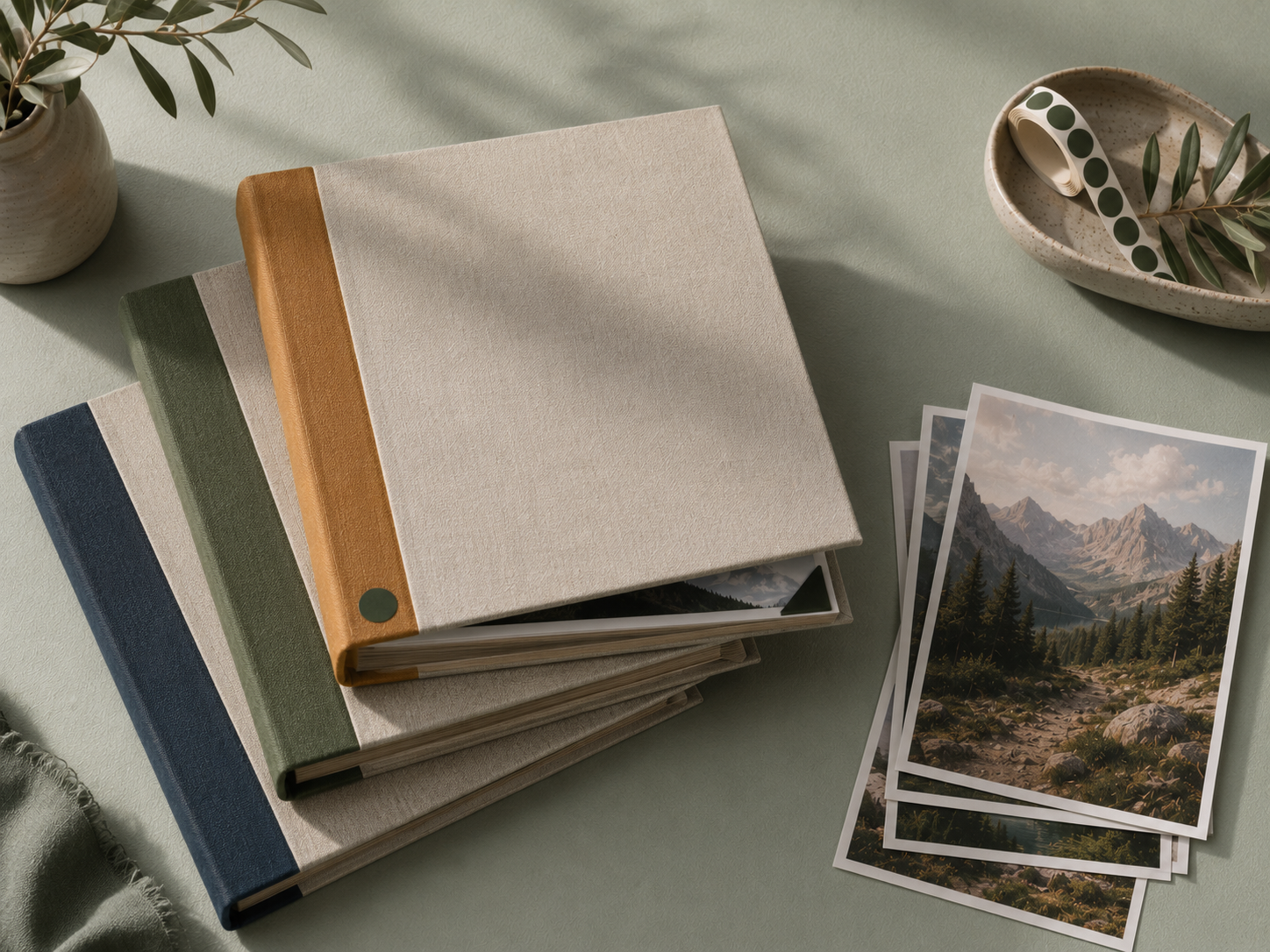
Set a rule (a keyword tag, a date range, a camera model, a star rating) and a smart album instantly gathers every photo that matches. As your library grows, the album keeps itself up to date without any manual curation.
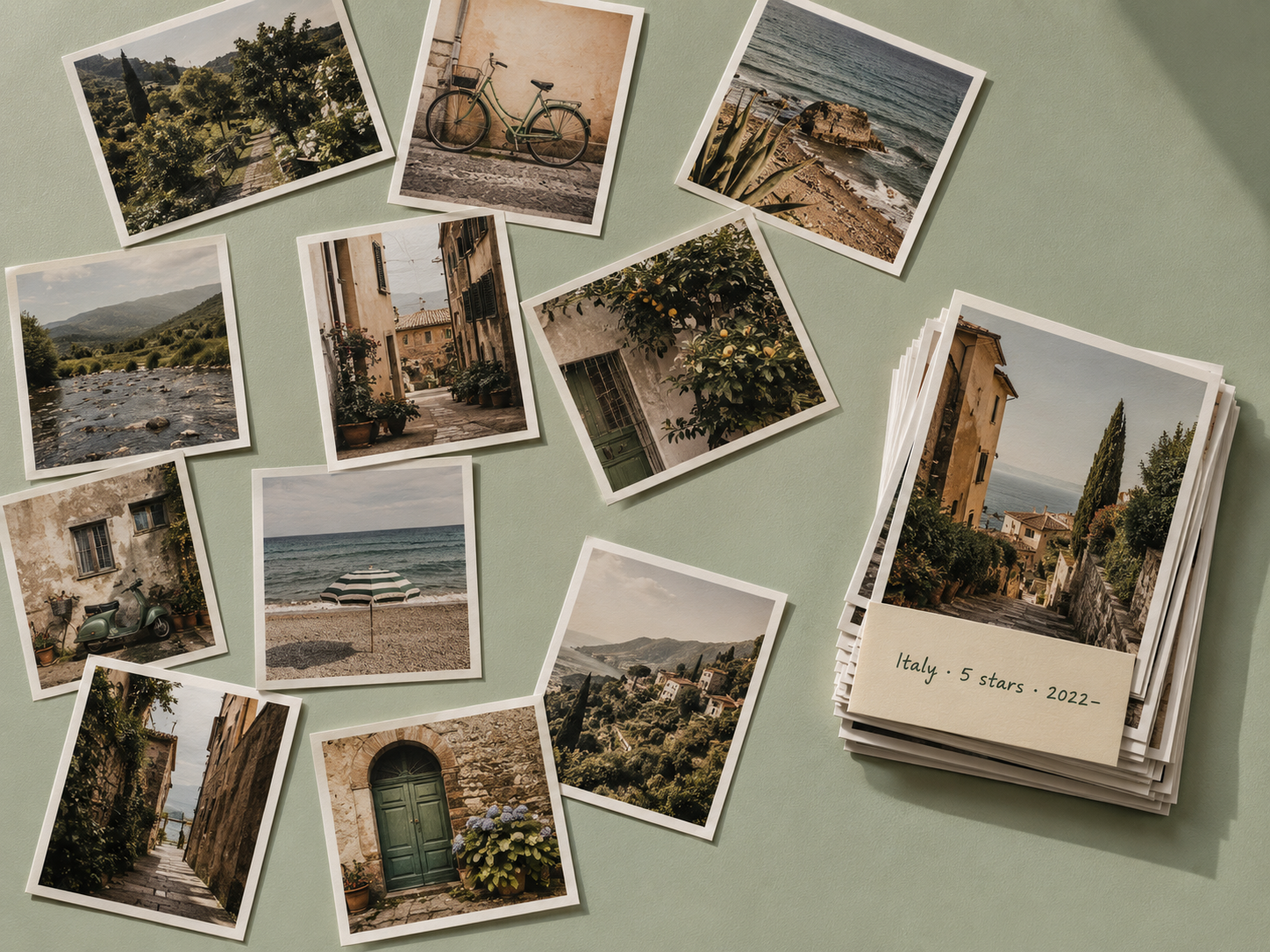
Combine multiple conditions to get precise: all five-star shots taken in Italy since 2022, or every photo tagged "portfolio" shot on a specific lens. Smart albums are read-only views: the original files never move.
Cloud storage
Your cloud, right in the folder panel
Store photo originals in Google Drive, OneDrive, Dropbox, or any S3-compatible provider. Your cloud appears in the folder panel right beside your local folders, drag photos straight in.
Edit photos while offline: your changes catch up automatically the next time you're connected.

Format support
Every format you work with
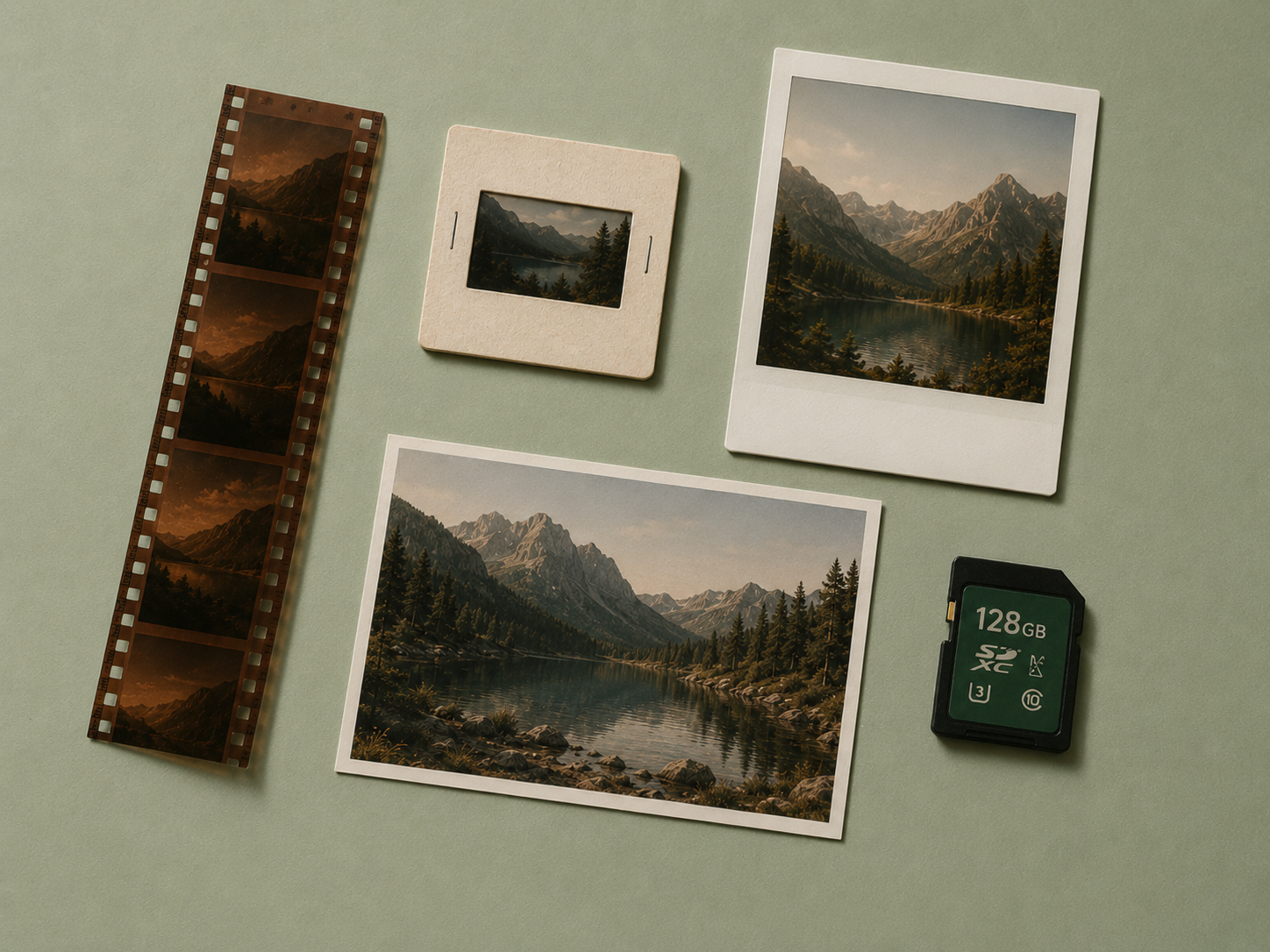
All major photo formats are supported out of the box, including the modern HEIC and HEIF photos from iPhones and newer cameras, with no converting needed. RAW files get an XMP sidecar so your metadata travels with the file and stays readable in any other application.
Extensions
Built to grow with you
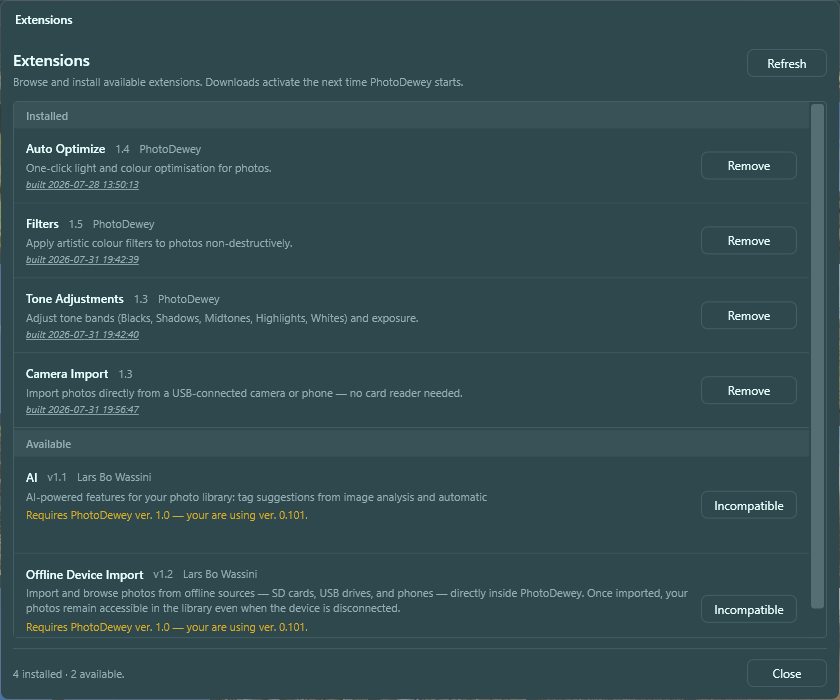
PhotoDewey ships with a solid core and expands through extensions. Install new ones directly from inside the app: browse the extension shop, enable what you need, and remove what you don't. Extensions install in seconds and update themselves automatically, as does the app itself.
New extensions ship on a regular basis: editing tools, import sources, cloud providers, and AI features. Free and premium options are available, with free trials so you can try before you buy.

Backup & protection
Peace of mind, built in
Back up your library data and settings to the cloud or a local folder in one click, and restore everything just as easily. Automatic weekly backups keep a rolling history so you're never far from a clean state.
Mark individual photos as protected to block accidental edits or deletion. A clear lock badge in the gallery keeps your untouchable shots exactly as they are.

And more
Star ratings
Rate photos 1–5 stars. Ratings are searchable and work as smart album conditions.
Search & filtering
Filter by tag, filename, camera model, date range, rating, or any combination at once.
Crop tool
Non-destructive crop with straighten, free-form, and preset aspect ratios. Re-crop anytime.
Photo locking
Lock photos to block accidental edits or deletion. A clear badge shows what's protected.
Histogram
Live histogram with clipping indicators for highlights and shadows.
Location chips
Assign coordinates to photos from recently used places directly in the metadata panel.
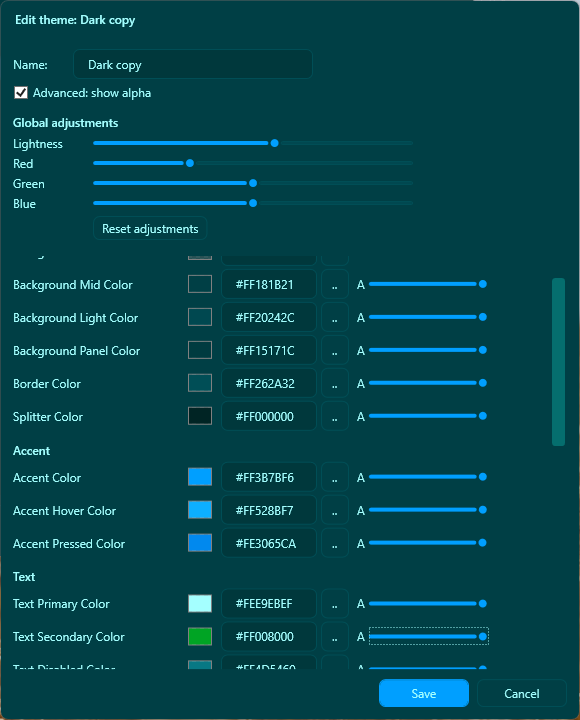
Dark / light theme
Follows your Windows system setting automatically, or set it manually in preferences.
Format support
JPEG, HEIC/HEIF, PNG, TIFF, WebP, NEF, DNG, CR2. RAW files get an XMP sidecar.
XMP sidecar files
Metadata for RAW files is stored in standard XMP sidecars, readable by any other app.
Extensions
Add the tools you need
Install extensions from inside the app: browse, enable, and update them all from one place.
Camera Import
Import photos directly from a USB-connected camera or phone. No card reader needed: plug in, pick your shots, and they land straight in your library.
Filters
Apply film-style and creative filters to your photos. From warm vintage tones to high-contrast black and white, all fully non-destructive and stackable.
Tone Adjustments
Fine-tune exposure, contrast, highlights, shadows, whites, blacks, and white balance with precision sliders and a tone curve editor.
Auto Optimize
One-click exposure and colour correction that analyses each photo and applies a tailored adjustment. Start from a solid baseline in seconds.
Offline Files
Keep photos on SD cards or USB drives without losing track of them. Browse, tag, and edit metadata even when the drive isn't plugged in: find the right card the moment you need it.
AI
Automatically analyse your photos and suggest relevant keyword tags. Review what the AI proposes, accept what fits, and let your library tag itself.
What's next
Remote access on mobile
Browse your local library from your phone while on the road. Transfer new shots and update existing photos without carrying your laptop.
Linux client
A native Linux build is on the roadmap: the same local catalog, tagging, and editing. No Wine, no workarounds.